آموزش مدرک مایکروسافت: متخصص مهندسی DevOps (AZ-400) - ابزاربندی و مانیتورینگ - آخرین آپدیت
دانلود Microsoft Certified: DevOps Engineer Expert (AZ-400): Instrumentation
نکته:
ممکن هست محتوای این صفحه بروز نباشد ولی دانلود دوره آخرین آپدیت می باشد.
نمونه ویدیوها:
سرفصل ها و درس ها
مقدمهای بر استراتژیهای ابزاربندی Introduction to Instrumentation Strategies
-
ابزاربندی در فرآیند DevOps Instrumentation in the DevOps Process
آشنایی با Azure Monitor Introducing Azure Monitor
-
تجزیه و تحلیل Azure Monitor Breaking Down Azure Monitor
-
مقایسه متریکها در مقابل لاگها Metrics vs. Logs
-
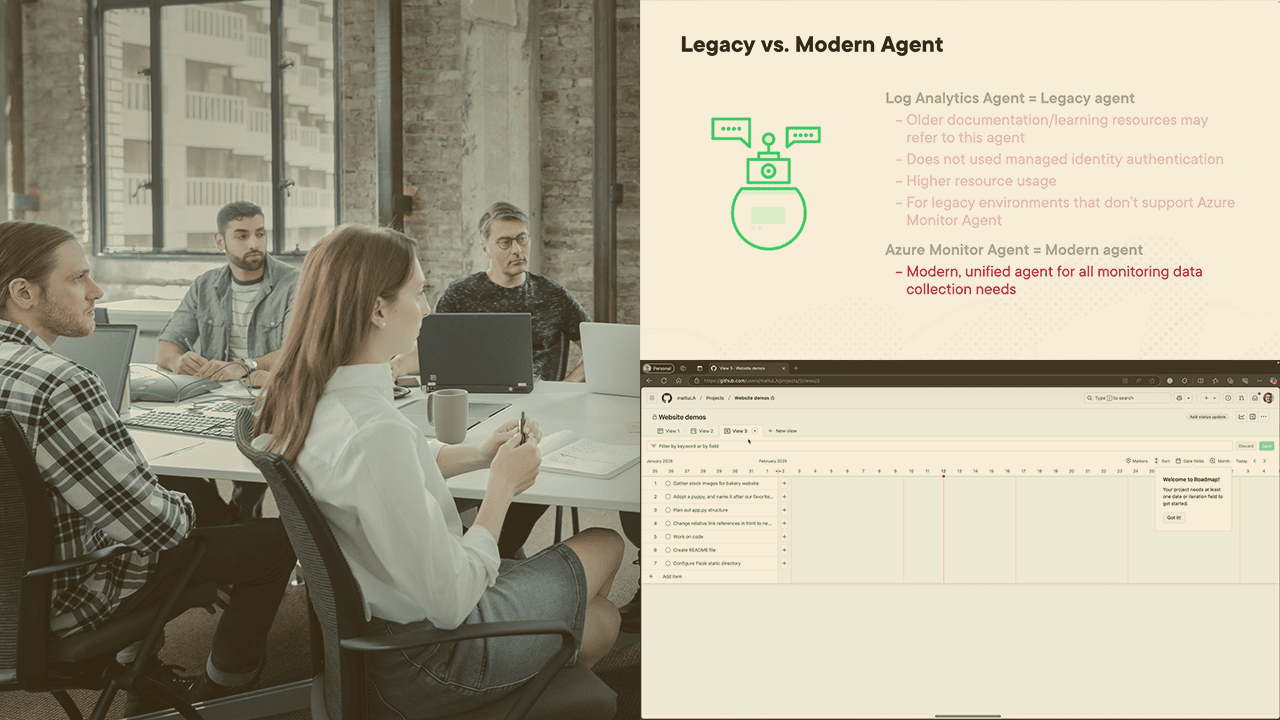
انتخاب عامل (Agent) مناسب از میان گزینهها So Many Agents: Which to Choose?
-
دمو: Azure Monitor در عمل Demo: Azure Monitor in Action
-
Virtual Machine Insights: اتصال و مانیتورینگ ماشینهای مجازی Virtual Machine Insights: Connecting and Monitoring VMs
-
دمو: Virtual Machine Insights در عمل Demo: Virtual Machine Insights in Action
-
Container Insights: مانیتورینگ کلاسترهای AKS Container Insights: Monitoring Your AKS Clusters
-
بررسی Storage Insights، Network Insights و سایر تحلیلها Storage Insights, Network Insights, We Need More Insights!
-
مدیریت دسترسی به Azure Monitor Managing Access to Azure Monitor
بررسی عمیق Application Insights Diving into Application Insights
-
مقدمهای بر Application Insights Intro to Application Insights
-
پیکربندی اپلیکیشن: ابزاربندی خودکار یا دستی Onboarding Your Application: Auto or Manual Instrumentation
-
قابلیتهای مانیتورینگ و بصریسازی Monitoring and Visualization Capabilities
-
دمو: کاوش در Application Insights Demo: Exploring Application Insights
-
درک تحلیلهای کاربر (User Analytics) Understanding User Analytics
-
مدیریت در دسترس بودن و هشدارها Availability Management and Alerts
شخصیسازی تجربه: کوئریها، داشبوردها، ورکبوکها و هشدارها Customizing the Experience: Queries, Dashboards, Workbooks, and Alerts
-
کوئری گرفتن از لاگها با زبان KQL Querying Logs with Kusto Query Language (KQL)
-
ساخت داشبوردهای سفارشی Creating Custom Dashboards
-
ایجاد بصریسازیهای پیشرفته با ورکبوکها Creating Rich Visualizations with Workbooks
-
تنظیم هشدارهای Azure Monitor Setting up Azure Monitor Alerts
مانیتورینگ GitHub و Azure DevOps Monitoring GitHub and/or Azure DevOps
-
دریافت دادهها از منابع دیگر Ingesting Data from Other Sources
-
استفاده از نمودارها و تحلیلهای مخزن GitHub Using GitHub Repository Insights and Charts
-
پیکربندی هشدارها برای GitHub Actions Configuring Alerts for GitHub Actions
-
تنظیم اعلانها برای Azure Pipelines Setting up Notifications for Azure Pipelines
-
افزودن یادداشتهای انتشار Application Insights از Azure DevOps Adding Application Insights Release Annotations from Azure DevOps
-
استفاده از دادههای مانیتورینگ در پایپلاینها Using Monitoring Data in Your Pipelines
آمادگی برای آزمون Exam Preparation
-
آمادگی آزمون: Azure Monitor Exam Prep: Azure Monitor
-
آمادگی آزمون: Application Insights Exam Prep: Application Insights
-
آمادگی آزمون: کوئریها، داشبوردها، ورکبوکها و هشدارها Exam Prep: Queries, Dashboards, Workbooks, and Alerts
-
آمادگی آزمون: مانیتورینگ GitHub و Azure DevOps Exam Prep: Monitoring GitHub and/or Azure DevOps




https://donyad.com/d/83f0ab




 Matthew Ulasien
من یک متخصص فناوری با بیش از 20 سال تجربه هستم و سرم محکم در ابرها گم شده است.
نمایش نظرات